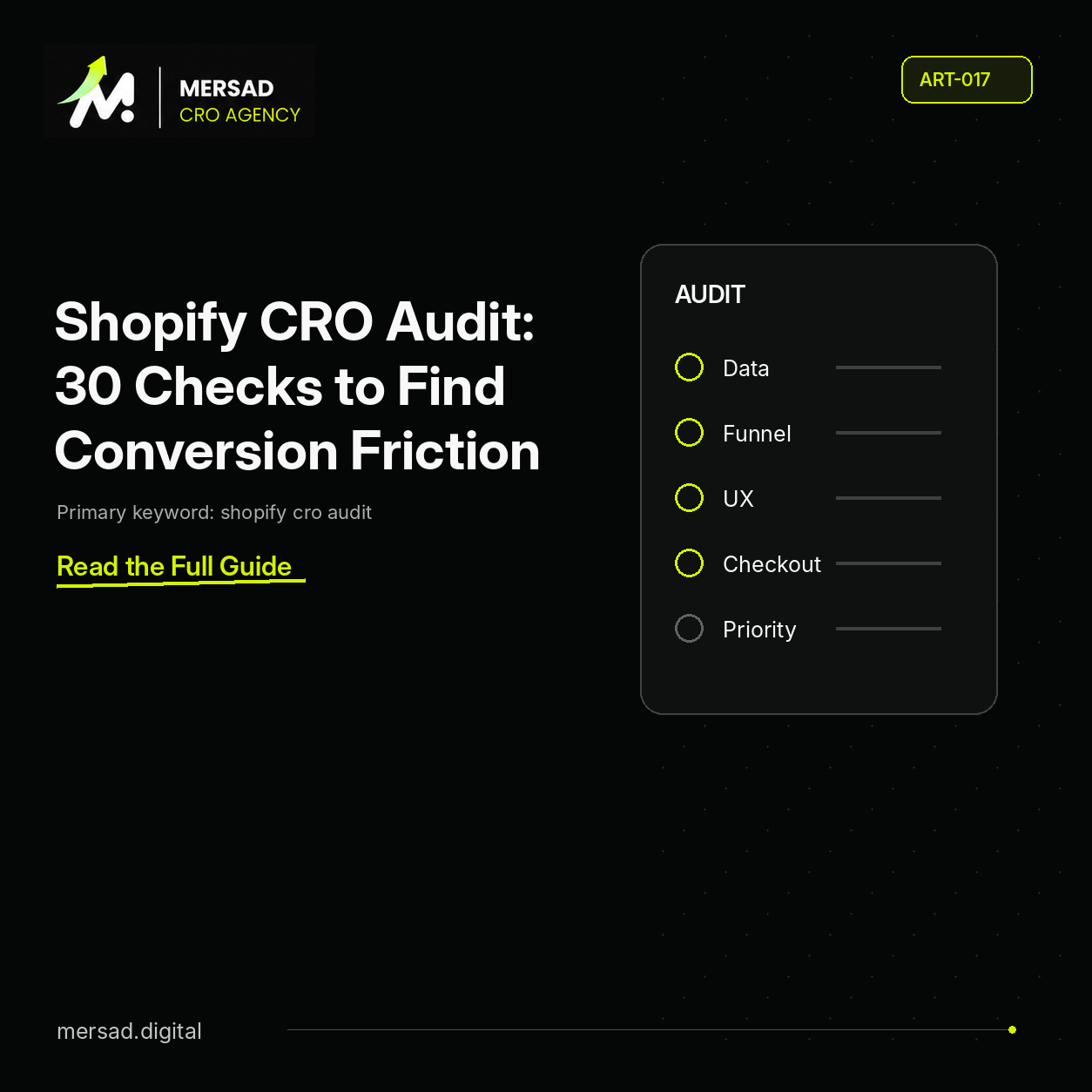
Shopify CRO Audit: 30 Checks to Find Conversion Friction
Shopify cro audit is a Shopify growth problem that should be diagnosed across traffic quality, product discovery, product pages, cart, checkout, measurement, and store operations before the team changes the theme.
The useful question is not which CRO tactic is popular. It is where qualified Shopify visitors stop progressing, which segments account for the loss, and whether the cause is acquisition, merchandising, UX, checkout, tracking, or operations. For shopify cro audit, apply this specifically to the Shopify templates, apps, products, and traffic segments that are actually exposed to the issue.
This guide provides an evidence-led way to make that diagnosis and turn it into a prioritized action plan. For shopify cro audit, apply this specifically to the Shopify templates, apps, products, and traffic segments that are actually exposed to the issue.
1. Confirm revenue, orders, conversion rate, and AOV
Compare the current period with a valid previous period.
Calculate absolute and percentage changes for:
- Sessions
- Orders
- Revenue
- Conversion rate
- AOV
- Revenue per session
Do not conclude from conversion rate alone.
2. Compare Shopify orders with GA4 purchases
If Shopify reports 500 orders and GA4 reports a materially different number, understand why before trusting funnel calculations.
Look for:
- Missing purchase events
- Duplicate events
- Consent effects
- Cross-domain issues
- Payment redirects
- Currency mismatches
3. Segment by device
Compare mobile and desktop through the full funnel.
Do not stop at sitewide conversion.
Look at:
- Product view rate
- Add-to-cart rate
- Checkout-start rate
- Checkout completion
4. Segment by traffic source
Separate:
- Paid social
- Paid search
- Organic search
- Direct
- Referral
- Affiliates where relevant
A traffic-mix change can move blended conversion without any website deterioration.
5. Review landing-page allocation
Identify high-traffic landing pages with:
- Low product-view progression
- Low add-to-cart progression
- Low revenue per session
- High bounce or low engagement where meaningful
The problem may be where campaigns land, not the campaign itself.
6. Review new vs returning behavior
A surge in new customers can lower blended conversion.
Compare:
- Conversion
- Revenue per user
- AOV
- Product preference
- Device
- Channel mix
7. Audit collection structure
Check whether collections match how customers shop.
Questions:
- Are categories mutually understandable?
- Are collections too broad?
- Are important categories buried?
- Are promotional collections useful or confusing?
8. Audit product cards
Product cards should help users decide whether to open the PDP.
Review:
- Image clarity
- Product title
- Price
- Discount clarity
- Ratings where relevant
- Variant cues
- Stock
- Badges
- Quick add behavior
9. Audit filters
Filters should reduce the choice set without creating dead ends.
Check:
- Mobile filter discoverability
- Filter relevance
- Multi-select behavior
- Result count
- Clear-all behavior
- Empty states
10. Audit sorting
Default sorting can influence discovery.
Evaluate whether the default makes commercial and customer sense.
11. Audit site search
Search data is demand data.
Review:
- Top search terms
- Zero-result queries
- Search exits
- Search-to-product-view progression
- Misspellings
- Synonyms
12. Check PDP value proposition
Can a new visitor answer:
- What is this?
- Why should I buy it?
- Why from this store?
- Why now?
13. Check product imagery
Baymard’s product-page research repeatedly shows that product imagery is central to the purchase decision.
Review:
- Zoom
- Gallery navigation
- Mobile swipe
- Product context
- Detail shots
- Scale
- Video where valuable
14. Check variant selection
Variant friction is often underestimated.
Audit:
- Size
- Color
- Quantity
- Bundles
- Product configuration
- Out-of-stock states
- Error messages
15. Check price clarity
Customers should understand:
- Current price
- Previous price
- Discount
- Bundle savings
- Subscription terms
- BNPL/installment messaging
Avoid visual ambiguity.
16. Check delivery information
Do not force customers to start checkout before learning basic delivery expectations.
Review:
- Estimated delivery
- Shipping cost
- Free-shipping threshold
- Region limitations
17. Check return information
Returns reduce perceived risk.
The goal is not to display a legal policy. It is to answer the practical question:
What happens if this product does not work for me?
18. Check social proof
Do reviews reduce uncertainty?
Useful review systems help customers understand:
- Product fit
- Quality
- Sizing
- Use case
- Real customer experience
19. Check primary CTA clarity
The add-to-cart action should be visually and logically clear.
Audit:
- Contrast
- Label
- Sticky behavior
- Disabled states
- Required variants
- Mobile visibility
20. Check cart drawer or cart page
Review:
- Product summary
- Variant
- Quantity
- Delete
- Total
- Shipping threshold
- Cross-sell
- Discount behavior
- Checkout CTA
Avoid overwhelming the customer right before checkout.
21. Check unexpected costs
Surprise fees are a classic conversion problem.
Surface key costs earlier where possible.
22. Audit checkout progression
Google’s Checkout Journey report can help analyze progression through:
begin_checkoutadd_shipping_infoadd_payment_infopurchase
Shopify implementations can vary, so validate the actual tracking in your store.
23. Check accelerated payment methods
Availability matters, especially on mobile.
Do not assume every additional method improves conversion. Confirm relevance for the market and audience.
24. Check form usability
Audit:
- Field count
- Autofill
- Address behavior
- Error messages
- Keyboard type
- Required vs optional fields
25. Check payment failures
If checkout starts are healthy but purchases drop, investigate gateway performance before redesigning the checkout UI.
26. Check page performance
Shopify’s current CRO guidance includes site speed and mobile performance among core optimization areas.
Measure actual templates:
- Homepage
- Collection
- PDP
- Cart
- Landing page
Do not overreact to one lab score without user-impact evidence.
27. Check app bloat
Shopify apps can create:
- Extra scripts
- Duplicated UI
- Conflicting popups
- Layout shifts
- Slow interactions
Review installed apps against actual business value.
28. Check merchandising and stock
High-traffic products with unavailable variants can depress conversion.
Review:
- Stock
- Bestseller availability
- Category inventory
- Campaign-product alignment
29. Check behavioral evidence
Use recordings, heatmaps, search logs, surveys, reviews, and support tickets.
Look at the funnel stage already identified as weak.
30. Build a prioritized action backlog
Each action needs:
- Issue
- Evidence
- Impact
- Recommendation
- Priority
- Effort
- Owner
- Required validation
- Success metric
What not to do in a Shopify CRO audit
Avoid:
Generic best-practice dumping
A store does not need 100 recommendations. It needs the right recommendations.
Testing obvious bugs
Fix broken checkout buttons, incorrect tracking, and severe mobile defects directly.
Treating correlation as causation
A conversion decline after a redesign does not prove every design change caused it.
Ignoring traffic quality
A website cannot compensate for unlimited amounts of low-intent traffic.
Copying competitors
A competitor’s design does not prove their conversion performance.
A strong Shopify CRO audit output
The final deliverable should contain:
- Executive diagnosis
- Data quality review
- Traffic segmentation
- Funnel analysis
- Collection/search findings
- PDP findings
- Cart/checkout findings
- Mobile findings
- Operational constraints
- Prioritized fixes
- Experiment backlog
- Measurement requirements
- 30/60/90-day roadmap
Shopify CRO audit vs Shopify redesign
A redesign is a production project.
A CRO audit is a diagnosis.
Sometimes the diagnosis justifies a redesign. Sometimes it proves that a redesign would be an expensive distraction.
Audit first.
Then decide.
Turn the 30 checks into a scoring model
A checklist becomes more useful when every check is scored using the same criteria.
For each finding, score:
Exposure
How many relevant users encounter the problem?
Evidence
What supports it?
- Analytics
- User behavior
- User research
- Technical proof
- Customer feedback
Commercial stage
Does it affect discovery, PDP, cart, or checkout?
Effort
How difficult is the fix?
Risk
Could the change harm another metric or operation?
This makes it easier to distinguish a visually obvious issue from a commercially important one.
Shopify analytics questions worth answering
Before working on design, answer:
- Which landing pages generate the most revenue per session?
- Which products receive high traffic but weak add-to-cart?
- Which collections generate high product-view progression?
- Which devices lose the most customers between cart and checkout?
- Which channels bring traffic that never reaches a product page?
- Which products frequently go out of stock?
- Which promotions change AOV?
You may not find every answer in one Shopify report. Combine Shopify data with GA4 and other tools where appropriate.
Audit Shopify navigation with customer intent
Navigation labels should reflect customer mental models.
Look for:
- Internal terminology
- Category overlap
- Too many top-level choices
- Promotional items hiding core categories
- Mobile menus requiring excessive taps
Use:
- Search data
- Customer interviews
- Category performance
- Support queries
Information architecture is a commercial system.
Audit collection pages by progression
For every major collection, measure:
- Sessions
- Product-card interactions
- Product views
- Add-to-cart
- Revenue per session
Then compare filters, sorting, card design, and merchandising.
A collection with high traffic and low PDP progression is often a stronger CRO opportunity than a low-traffic PDP detail.
Audit Shopify search
Check whether search supports:
- Synonyms
- Partial terms
- Misspellings
- Arabic/English term variation where relevant
- Brand/product names
Review zero-result searches manually.
A query with zero results can mean:
- The product exists under another name
- Search logic is weak
- The catalog lacks the demand
- The query is irrelevant
Each requires a different action.
Audit Shopify apps commercially
Create an app inventory.
Columns:
- App
- Purpose
- Revenue/customer value
- Front-end scripts
- Page types affected
- Monthly cost
- Owner
- Keep/remove decision
Apps accumulate.
An app that adds a small widget but slows every PDP deserves scrutiny.
Do not remove apps based only on a performance score. Understand the business function first.
Audit theme components
Shopify themes often contain reusable sections.
Review consistency across:
- Product cards
- Buttons
- Accordions
- Review widgets
- Price components
- Variant selectors
- Modals
- Sticky bars
Inconsistent components create both UX and maintenance problems.
Audit accessibility as conversion hygiene
Check:
- Keyboard access
- Focus
- Form labels
- Contrast
- Alt text
- Accessible names
- Error communication
Accessibility is not only a compliance topic. Broken controls can directly prevent customers from buying.
Audit localization
For multi-language stores, verify:
- Navigation
- Product text
- Buttons
- Validation
- Payment labels
- Currency
- Direction
- SEO metadata
- Links
Partial localization damages trust.
Audit merchandising decisions
CRO teams should not ignore merchandising.
Questions:
- Are bestsellers easy to find?
- Are high-stock products promoted?
- Are unavailable products dominating categories?
- Do campaigns land on relevant assortments?
- Are bundles strategically placed?
- Are cross-sells complementary?
Merchandising can change conversion without changing the theme.
Shopify CRO audit deliverable example
For each issue, write:
Issue: Mobile filter is difficult to discover.
Evidence: High mobile collection traffic, weak product-view progression, recordings show repeated scrolling with low filter interaction.
Impact: Customers may struggle to narrow large collections.
Recommendation: Improve filter visibility and active-filter feedback.
Why it may work: Reduces product-discovery effort.
Priority: High.
Effort: Medium.
Owner: UX + Development.
Required validation: Confirm collection complexity and filter usage by category.
Success metric: Product-view progression, filter engagement, downstream conversion.
That format is more useful than “make filters better.”
this Shopify CRO analysis FAQ
Should I use a CRO app instead of an audit?
Apps can support analytics, testing, search, reviews, or personalization. They do not replace diagnosis. A tool cannot know your business priorities without context.
How often should I audit a Shopify store?
Large stores should operate continuous monitoring rather than wait for an annual audit. A deeper audit is useful after major redesigns, growth changes, tracking changes, market expansion, or sustained performance decline.
Is Shopify conversion rate enough?
No. Use funnel-stage metrics, revenue per session, AOV, product mix, traffic quality, and operational metrics.
Can a small Shopify store benefit from CRO?
Yes, but low traffic limits experimentation. Focus on tracking, direct usability defects, customer research, merchandising, and high-confidence improvements.
Should every recommendation become an A/B test?
No. Fix defects directly. Test changes where customer response is uncertain and sample feasibility is acceptable.
A practical Shopify audit workshop
If multiple teams own the store, run a short cross-functional audit workshop after the data review.
Invite representatives from:
- Ecommerce
- Paid media
- CRM
- Customer support
- Merchandising
- Development
- UX/design
Ask each team to bring evidence, not opinions.
Useful questions:
- What changed in the last 60–90 days?
- Which customer complaints repeat?
- Which campaigns drive unusual traffic?
- Which products create support friction?
- Which technical releases affected checkout?
- Which apps were added recently?
The goal is to connect analytics with operational context.
How to hand off audit recommendations
Every recommendation should be implementable.
A development-ready task should contain:
- Objective
- Background
- Scope
- Required behavior
- Tracking requirements
- Acceptance criteria
- QA cases
- Dependencies
A design-ready task should explain the user problem, not dictate visual styling without evidence.
A tracking task should define:
- Event name
- Trigger
- Parameters
- Data layer requirement
- Validation
- Reporting use
This reduces the gap between audit and execution.
Final this Shopify CRO analysis decision rule
Before approving any recommendation, ask:
- What evidence supports it?
- How many customers are exposed?
- What business metric can it influence?
- Is it a direct fix, research task, or experiment?
- Can the team implement it safely?
- How will we know whether it worked?
If those questions cannot be answered, the recommendation is not ready.
this Shopify CRO analysis execution sequence
A practical audit can be run in five passes.
Pass 1: Data integrity
Validate orders, revenue, event tracking, and time periods.
Do not spend hours on UX findings while purchase tracking is broken.
Pass 2: Commercial segmentation
Identify the segments that matter most.
Prioritize:
- Highest-revenue channels
- Highest-traffic landing pages
- Mobile if it dominates usage
- High-value product categories
- Key markets
Pass 3: Funnel diagnosis
Find the transition with the most meaningful loss.
Document:
- Previous rate
- Current rate
- Absolute difference
- Relative difference
- Exposure
Pass 4: Experience research
Review the pages connected to the weak transition.
Use:
- Recordings
- Reviews
- Search logs
- Support feedback
- User testing
Pass 5: Action plan
Classify every action:
- Fix now
- Research
- Test
- Monitor
- Hold
This prevents the audit from becoming a list of 100 equal recommendations.
Example priority matrix
| Issue | Evidence | Exposure | Action |
|—|—|—|—|
| Purchase event duplicated | Technical proof | All orders | Fix |
| Mobile size confusion | Analytics + recordings | High | Improve/test |
| Footer spacing | Heuristic | Low | Hold |
| Payment gateway failures | Logs + funnel | High | Fix |
| New review layout | Hypothesis | Medium | Test if feasible |
The audit should make tradeoffs explicit.
Final audit acceptance criteria
A this Shopify CRO analysis is complete when:
- Data quality is documented
- Funnel baseline exists
- Major segments are compared
- Top pages are evaluated
- Operational factors are considered
- Findings are evidence-labeled
- Recommendations are prioritized
- Owners are assigned
- Metrics are defined
- Next 90 days are clear
If the final deliverable does not enable execution, it is not finished.
Sources and further reading
Related Mersad research
- Shopify CRO guide
- Shopify A/B testing guide
- Explore Mersad services
- Shopify-specific check: review the affected template, app, and device for this Shopify CRO analysis.
- ART-017 context: apply this checklist to the specific decision and affected audience for this article.
For this Shopify CRO analysis, apply this specifically to the Shopify templates, apps, products, and traffic segments that are actually exposed to the issue. For ART-017, keep this point scoped to the evidence and audience relevant to that decision.
If you want Mersad to diagnose this problem across analytics, UX, and implementation, explore the ecommerce growth services or start a conversation. For ART-017, keep this point scoped to the evidence and audience relevant to that decision.